
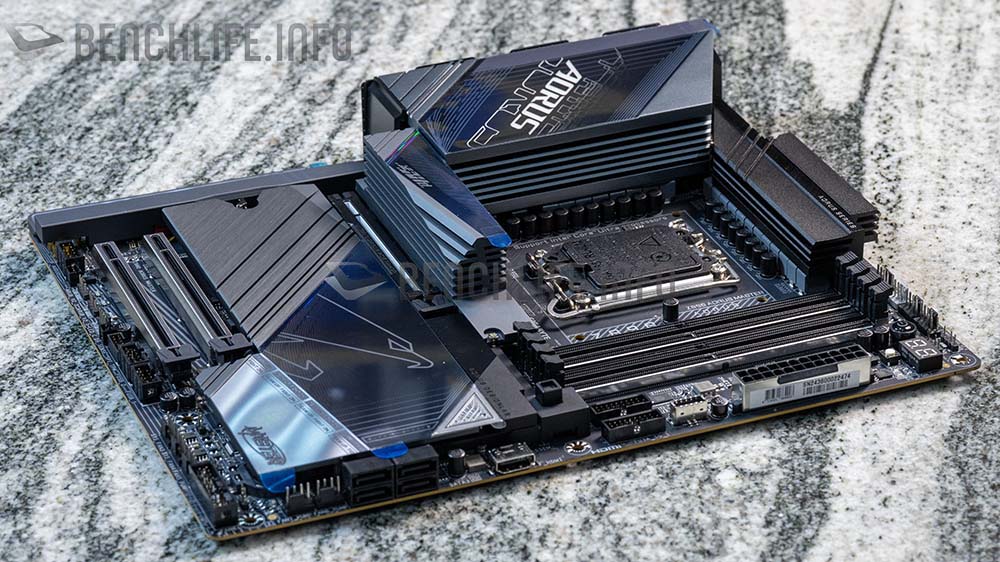


來看看 GIGABYTE Z890 AORUS MASTER 搭配 DDR5-8600 MT/s 的測試吧。曾經介紹 GIGABYTE Z890 AORUS MASTER 主機板,隨著 Intel Core Ultra 200S 正式開賣,我們也陸續來揭露更多主機板的特色,以及搭配處理器的測試。
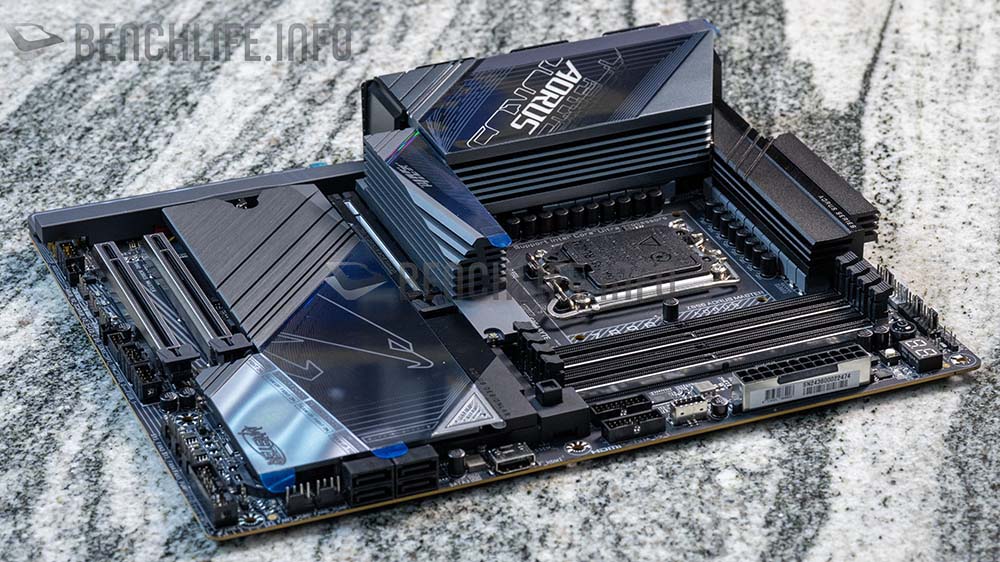
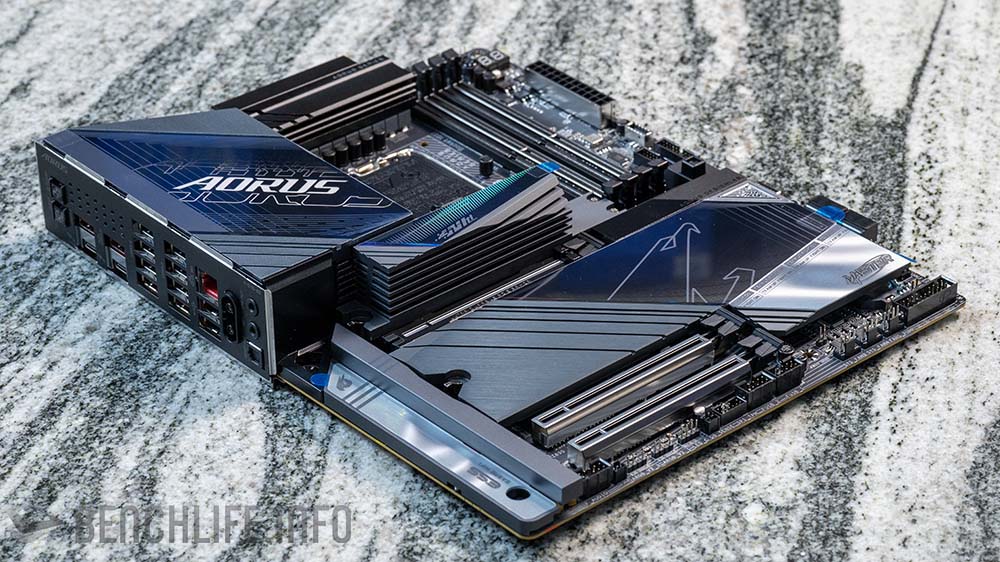
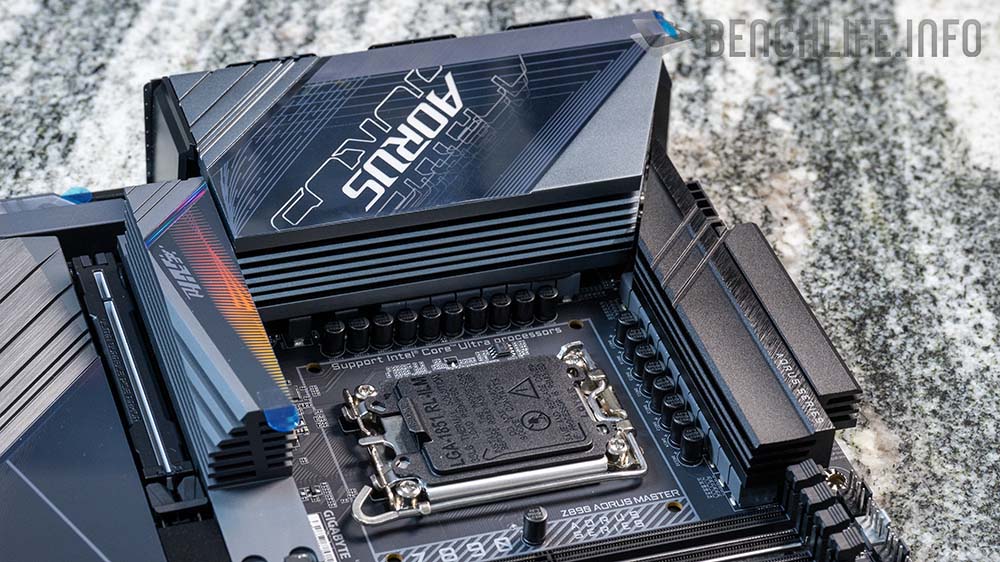
GIGABYTE Z890 AORUS MASTER 主機板採用 18 + 1 + 2 相供電設計;VCORE 部分為 9 + 9 相並聯設計(Digital Twin VRM),每相為 110A SPS(Smart Power Stage),另外 1 + 2 相則是 VCCGT 與 VCCSA,分別是 40A DrMOS 和 80A SPS 設計。
與 ASUS 的 ROG Maximus Z890 Hero 相比較(22 + 1 + 2 + 2 相)的話,GIGABYTE Z890 AORUS MASTER 主機板的供電設計要稍微弱了些許。
然而,這 2 張主機板的售價反應了差異。
ATX 規格的 GIGABYTE Z890 AORUS MASTER 擁有 4 Dimms 記憶體插槽,官方網站記憶體資訊顯示,Z890 AORUS MASTER 主機板記憶體可以達到 DDR5-9500 MT/s 的高時脈。
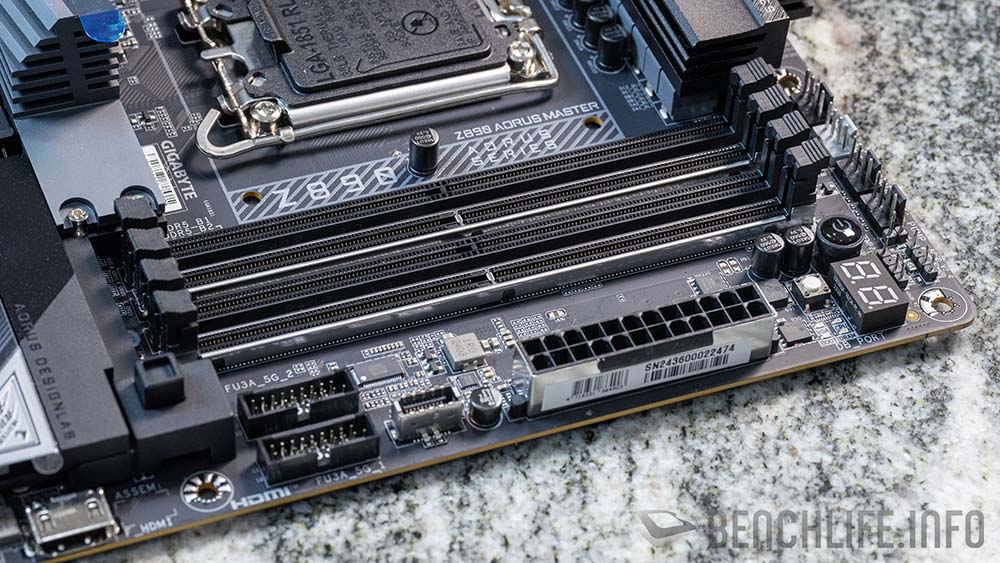
同時,官網資訊也顯示這張主機板支援 64GB x4,共計 256GB 的記憶體容量。
前置 I/O 方面原則上與早前介紹的 X870E AORUS MASTER 沒有太大不同,依舊可以見到 19 PIN 的前置 USB Header(FU3A_5G_1)、前置 USB 3.2 Gen2 x2(FU3C_20G)與 Sensor Panel Link 用的 HDMI 接頭。
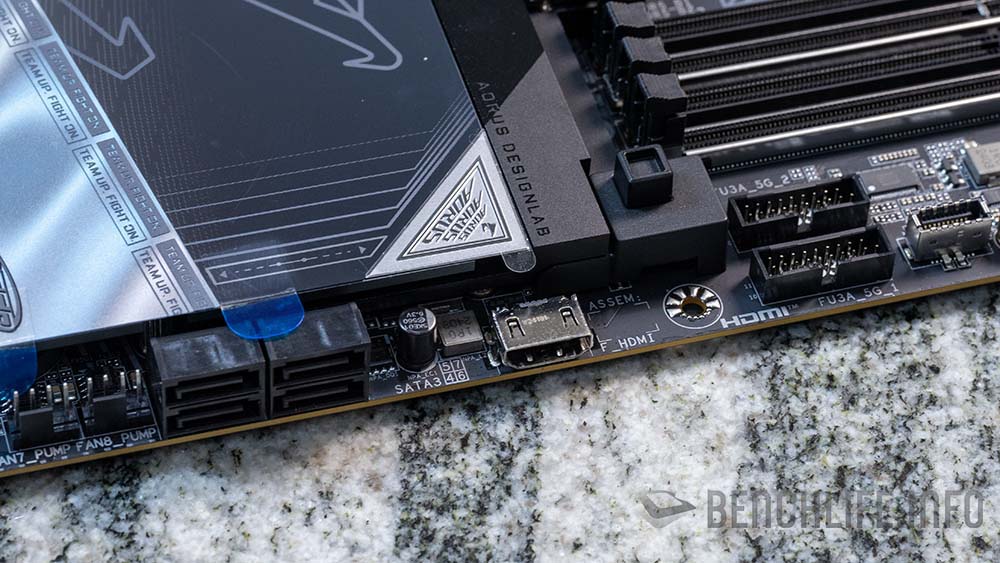
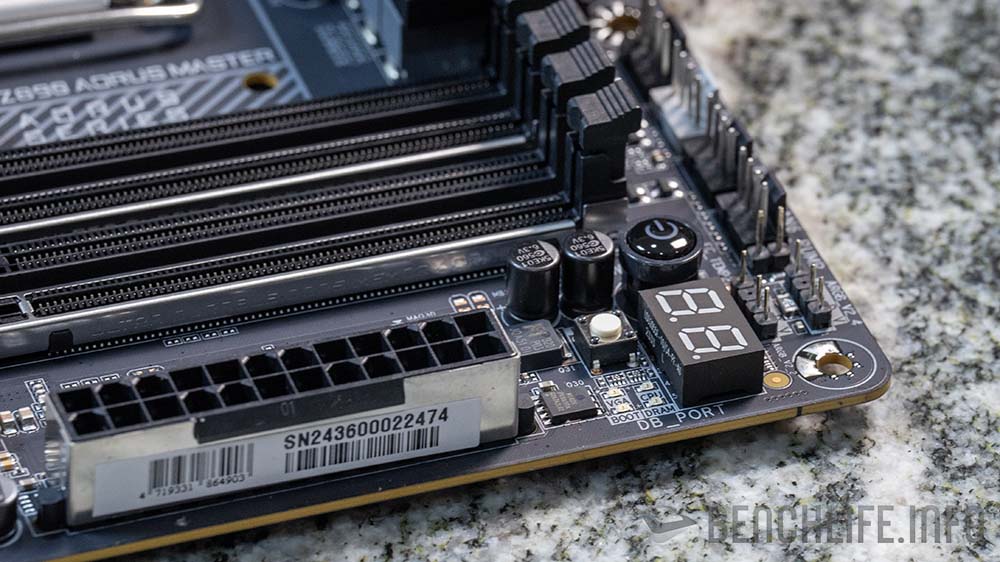
PCIe 插槽與 X870E AORUS MASTER 相同為 3 組,分別是 PCIe 5.0 x16、PCIe 4.0 x16 與 PCIe 3.0 x16,但實際頻寬為 x16(5.0) + x4(4.0)+ x1(3.0);x4 + 1x 頻寬是由 Intel Z890 晶片組提供。
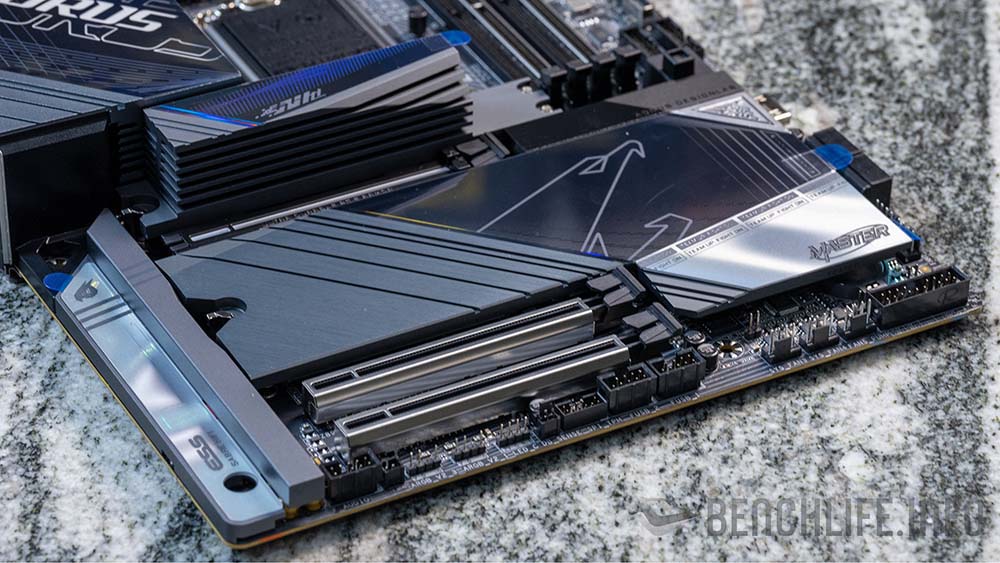
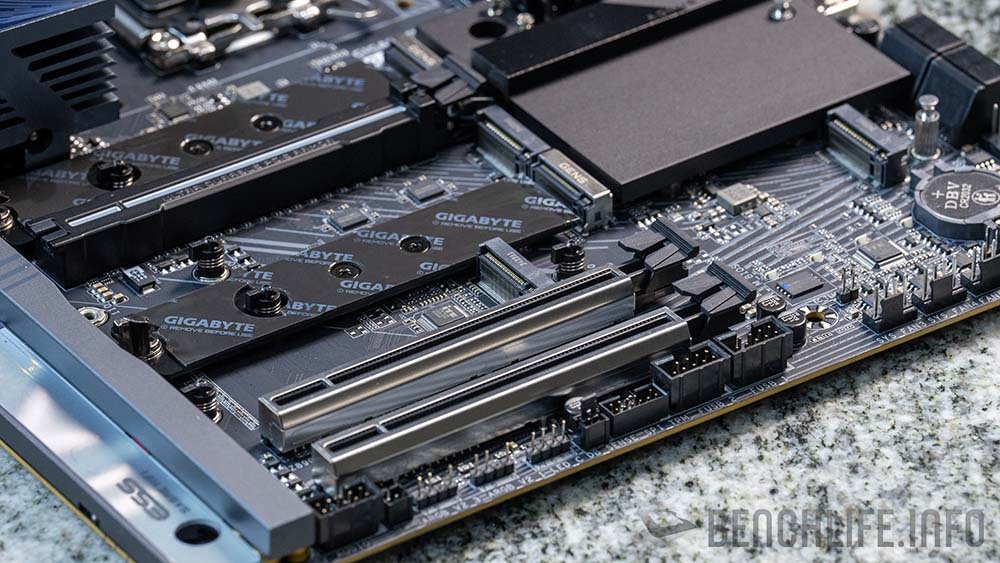
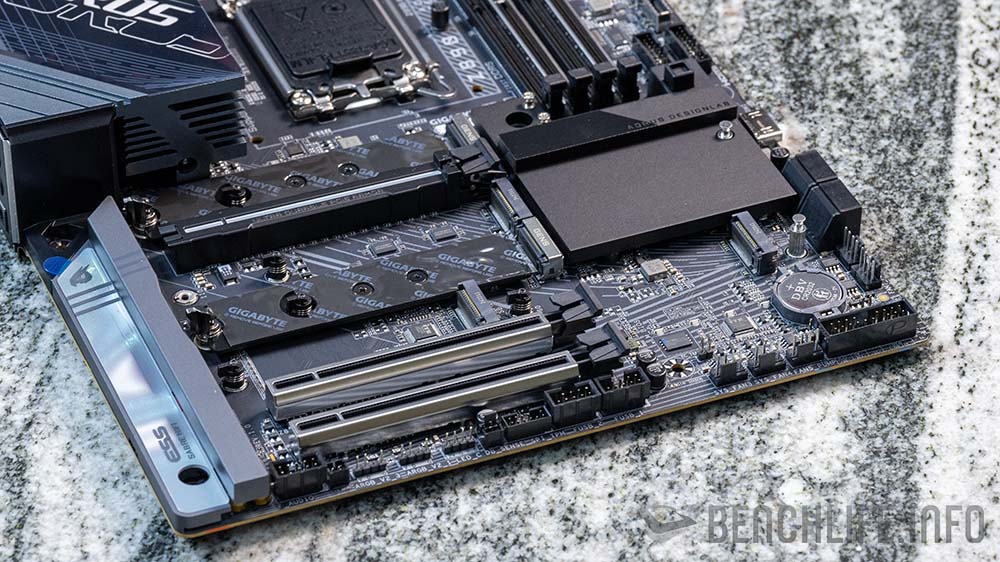
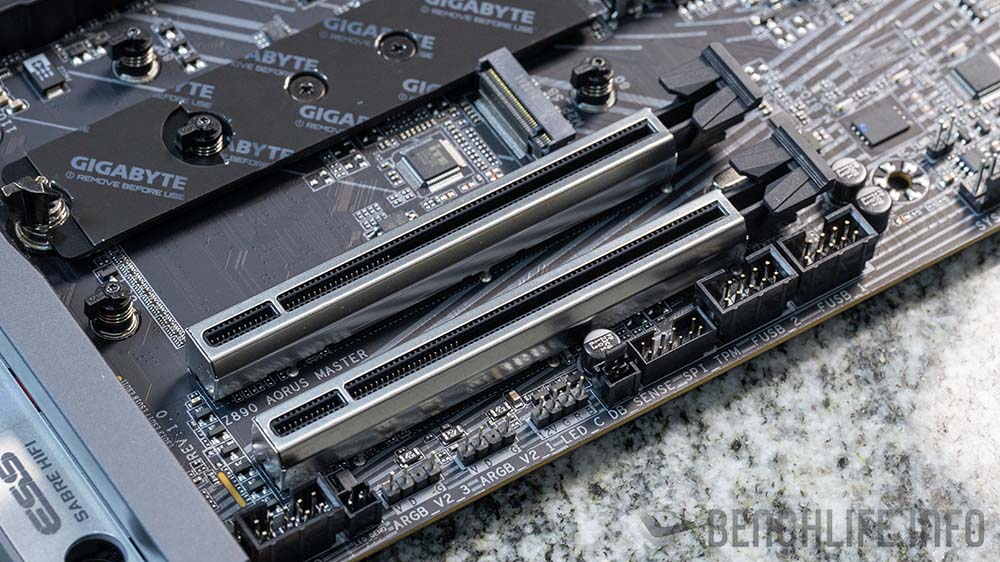
第一組 PCIe 5.0 x16 插槽配置了 PCIe EZ-Latch Plus 機構設計,讓使用者可以輕鬆卸下顯示卡。
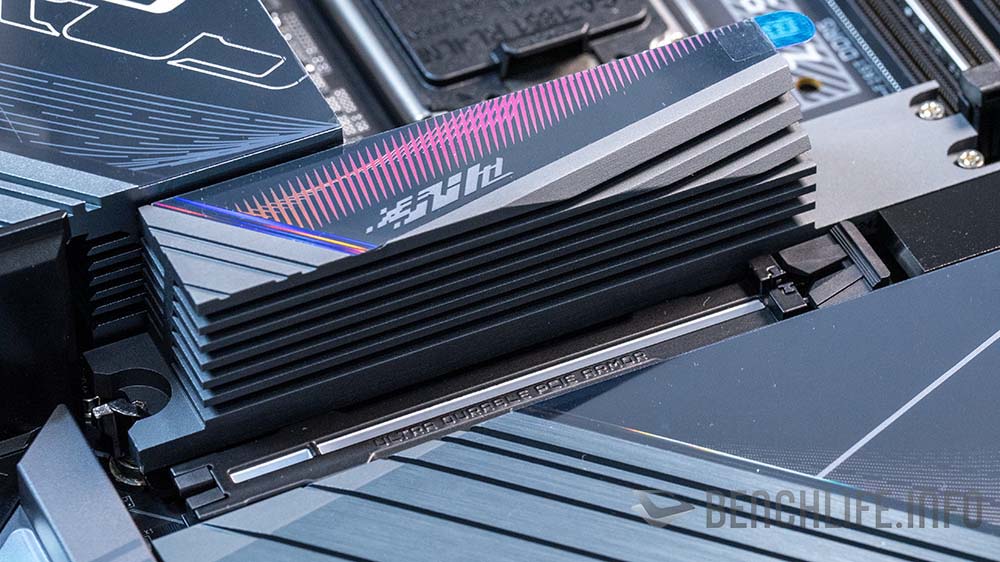
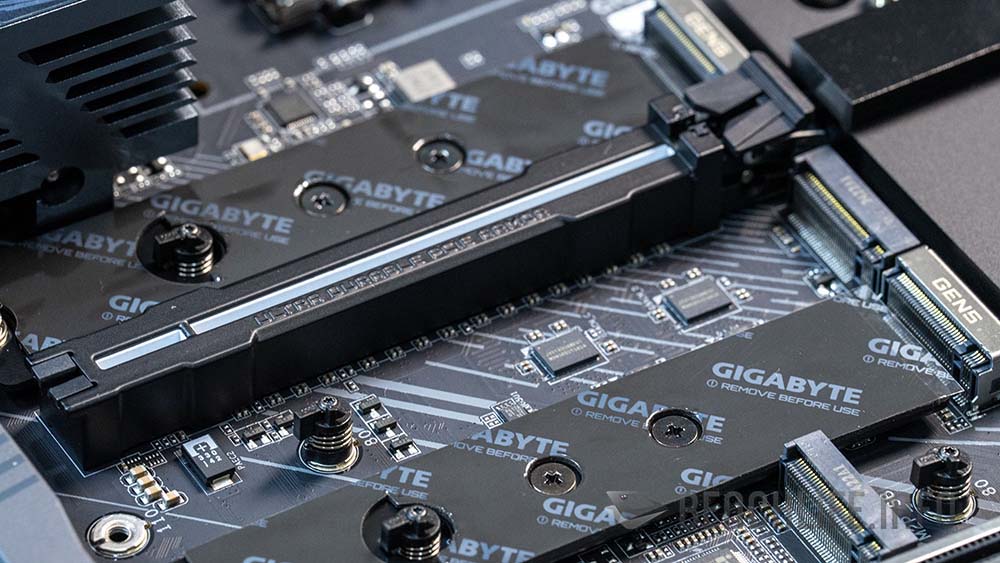
主機板上可以見到 5 組 M.2 插槽,其中 M2A_CPU 與 M2D_CPU 為 PCIe 5.0 x4 頻寬,但使用 M2D_CPU 後,PCIe 5.0 x16 插槽頻寬會從 x16 變為 x8。
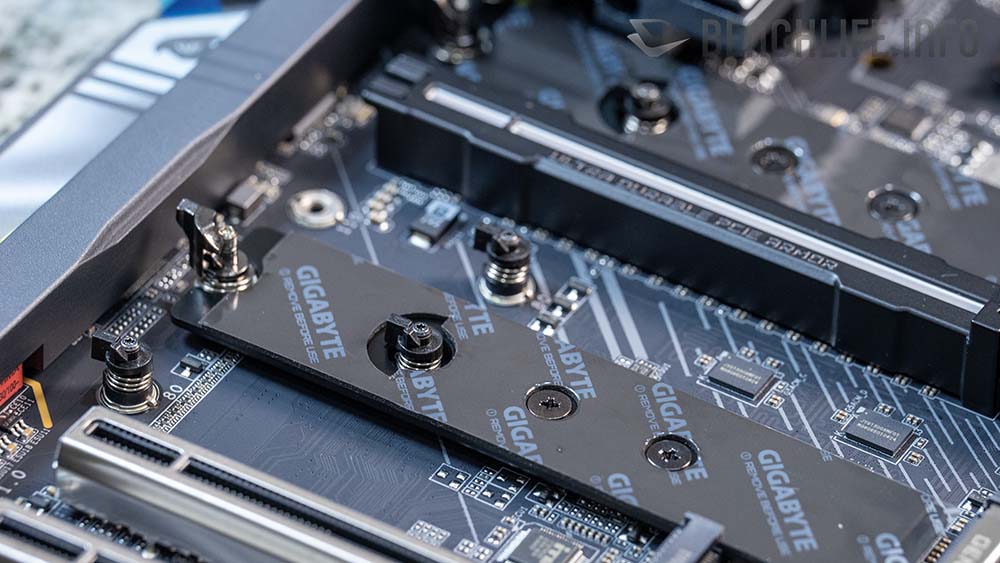
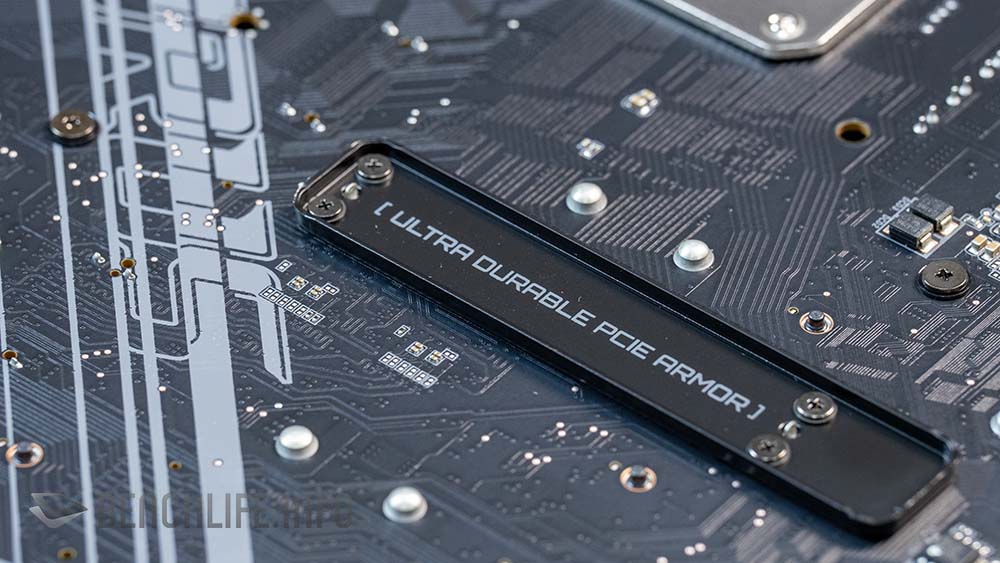
M.2 SSD 部分可以見到免螺絲設計的 M.2 EZ-Latch Click 和 M.2 EZ-Latch Plus 設計。
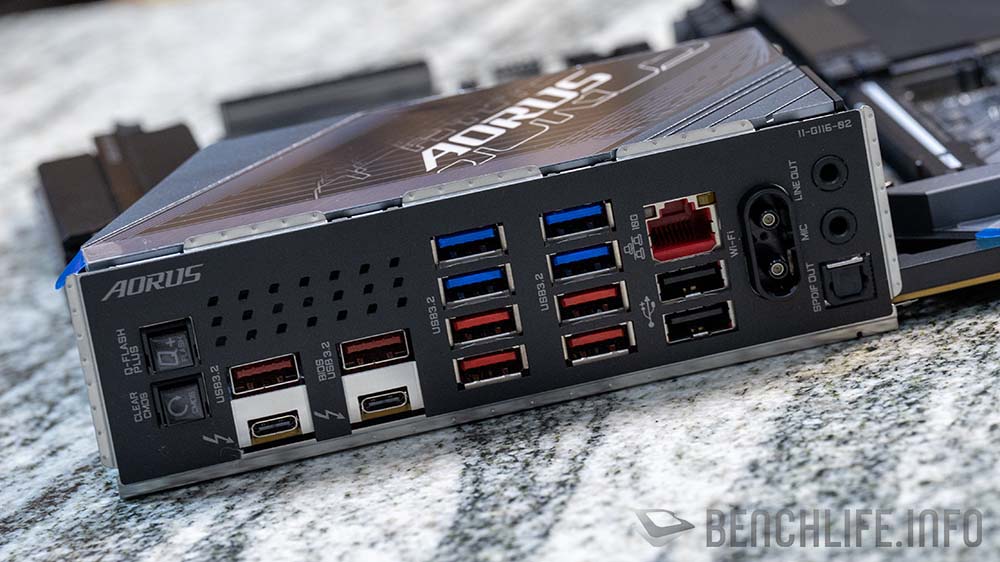
GIGABYTE Z890 AORUS MASTER 主機板 I/O 有:
USB Type-C:2 組,40Gbps Thunderbolt 4,CPU;
USB Type-A:紅色,6 組 USB 3.2 Gen 2,Chipset;
USB Type-A:藍色,4 組 USB 3.2 Gen 1,Chipset;
USB Type-A:黑色,2 組 USB 2.0,Chipset;
RJ-45:10GbE,Marvell AQtion AQC113C;
Wi-Fi:Intel Wi-Fi 7 BE200NGW with WIFI EZ-Plug(2T2R);
AUDIO:Realtek ALC1220 CODEC + ESS ES9118 DAC;
測試部分使用 Intel Core Ultra 9 285K 搭配上 V-Color DDR5-8600 MT/s 進行。
3DMark – GIGABYTE Z890 AORUS MASTER
| 3DMark | Intel Core Ultra 9 285k |
| TIme Spy | 32438 |
| Graphic score | 36799 |
| CPU score | 19408 |
| TIme Spy Extreme | 18094 |
| Graphic score | 18989 |
| CPU score | 14281 |
| Fire Strike | 45438 |
| Graphic score | 60033 |
| Physics score | 55687 |
| Combo score | 14661 |
| Fire Strike Ultra | 24382 |
| Graphic score | 24324 |
| Physics score | 54854 |
| Combo score | 13432 |
| Night Raid | 104043 |
| graphic score | 236298 |
| cpu score | 24941 |
1080p Gaming – GIGABYTE Z890 AORUS MASTER
| 1080P Gaming | Intel Core Ultra 9 285K |
| Counter-Strike 2 | 576.5 |
| Cyberpunk 2077(Ultra) | 187.97 |
| F1 23(High) | 275 |
| Hitman 3(Default) | 361.05 |
| Hitman 3(GPU) | 427.06 |
| Rainbow Six Siege(Ultra) | 617 |
| Shadow of the Tomb Raider(Highest) | 295 |
Creator – GIGABYTE Z890 AORUS MASTER
| Creator | Intel Core Ultra 9 285K |
| Blender | |
| Monster | 262.87 |
| Junk Store | 172.25 |
| fishy_cat | 132.42 |
| Vray | |
| CPU | 42546 |
| PugetBench -Premiere Pro | |
| Overall | 14993 |
| LongGOP Score | 122 |
| Intraframes Score | 127 |
| RAW score | 263 |
| GPU Effects Score | 124 |
CPU – GIGABYTE Z890 AORUS MASTER
| CPU Benchmark | Intel Core Ultra 9 285K |
| Cinebench 2024 | |
| Multi Core | 2471 |
| Single Core | 119 |
| Cinebench 23 | |
| Multi Core | 42962 |
| Single Core | 1840 |
| Geekbench 6 | |
| Single | 2594 |
| Multi | 22773 |
| Geekbench AI | |
| Single Precision | 8940 |
| Half Precision | 7480 |
| Quantized | 11633 |
| Geekbench AI (NPU) OpenVino | |
| Single Precision | 8721 |
| Half Precision | 9763 |
| Quantized | 15398 |
| CPU Profile | |
| Max Threads | 19561 |
| 16 threads | 15171 |
| 8 threads | 9840 |
| 4 threads | 5072 |
| 2 threads | 2511 |
| 1 threads | 1161 |
Overall – GIGABYTE Z890 AORUS MASTER
| Overall | Intel Core Ultra 9 285K |
| PC Mark | |
| Essential | 10455 |
| Productivity | 10910 |
| Digtal Content Creation | 17971 |
| CrossMark | |
| Overall | 2188 |
| Productivity | 1925 |
| Creativty | 2772 |
| Responsiveness | 1579 |
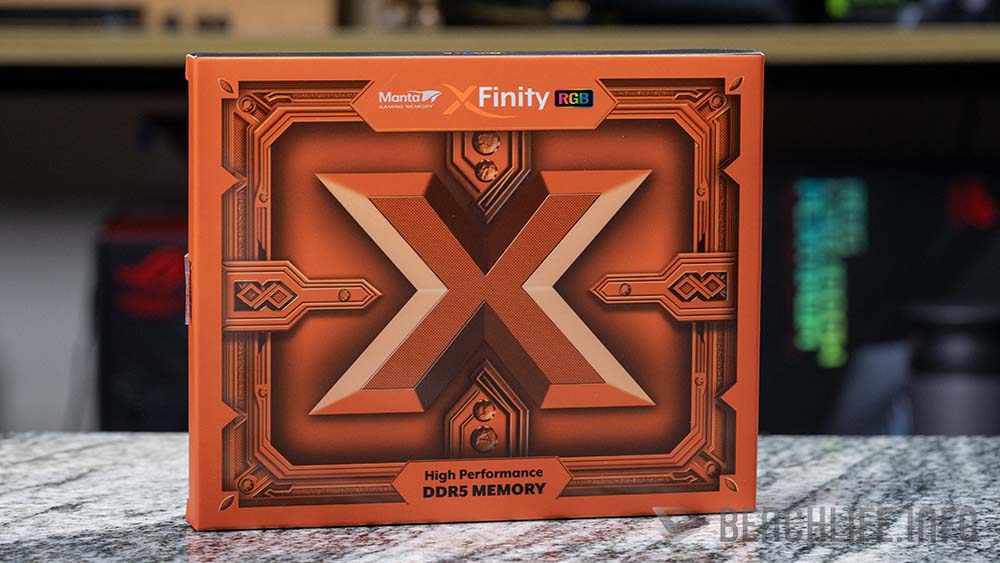
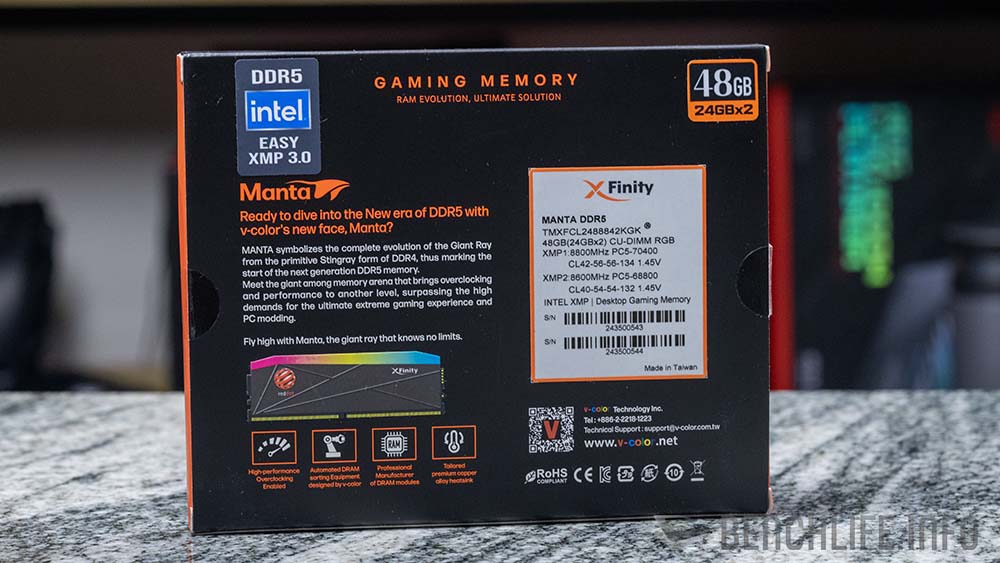
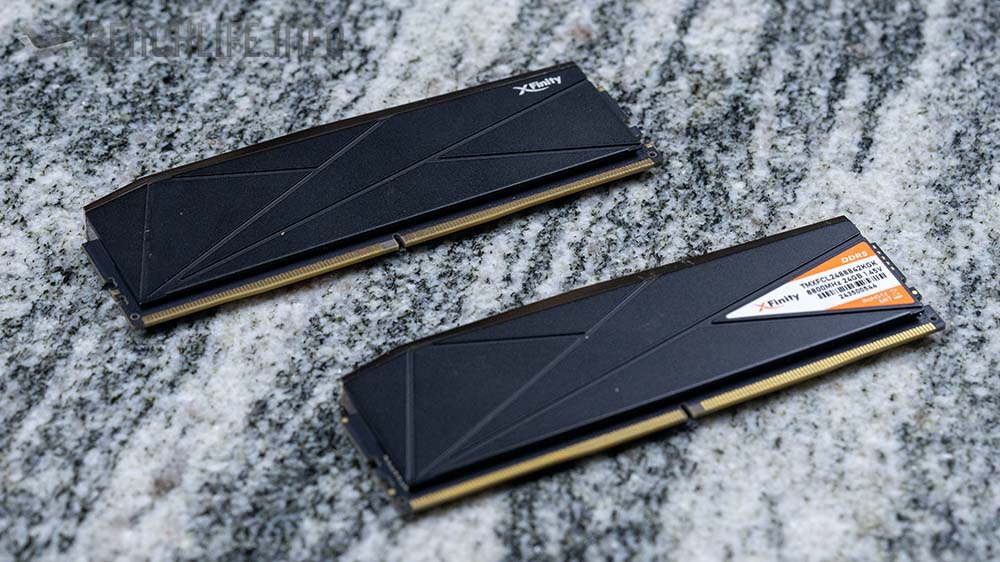
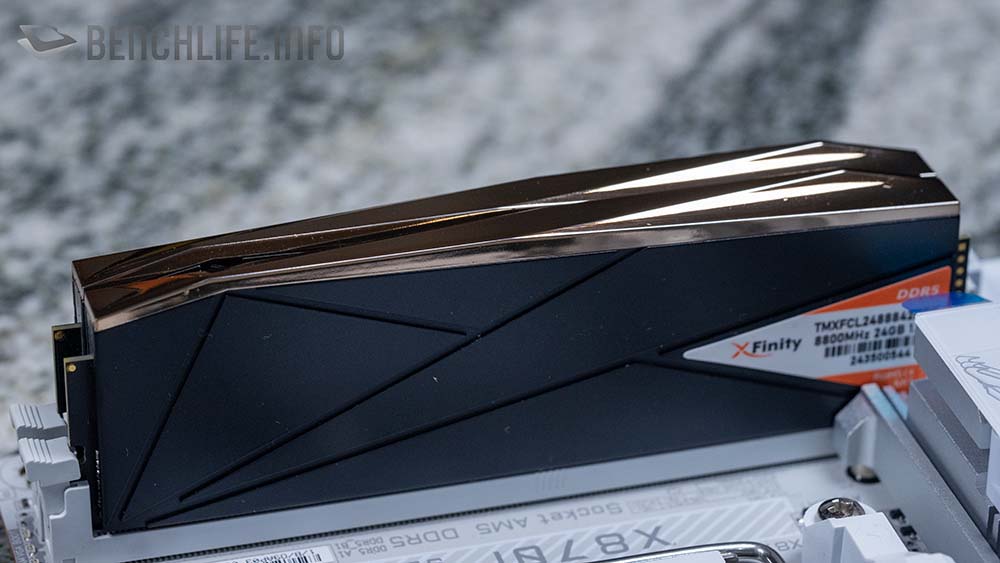
最後看看 V-Color Manta XFinity RGB DDR5-8800 MT/s CL42-56-56 CU-DIMM 記憶體,雖然可以達到 DDR5-8800 MT/s,但實際上我們使用這組 CU-DIMM 中的 XMP2 Profile,也就是 DDR5-8600 MT/s CL40-54-54 進行效能測試。
AIDA64 – GIGABYTE Z890 AORUS MASTER
| Intel Core Ultra 9 285K | |
| Memory Read(MB/S) | 113450 |
| Write | 89213 |
| Copy | 98449 |
| Latency(ns) | 88 |
| L1 Cache Read(GB/S) | 5719.9 |
| Write | 4025.7 |
| Copy | 8262.2 |
| Latency(ns) | 0.7 |
| L2 Cache Read(GB/S) | 775.39 |
| Write | 661.61 |
| Copy | 689.47 |
| Latency(ns) | 4 |
| L3 Cache Read(GB/S) | 2167.7 |
| Write | 1124.8 |
| Copy | 1585.9 |
| Latency(ns) | 16.8 |
Thunderbolt 4 作為 Z890 晶片主機板的基本配置,也不需要做太多說明,而對於桌上型電腦來說,Thunderbolt 4 更多的用途應該是穩定且高速的資料儲存,而非外接顯示卡。
沒有 ROG Maximus Z890 Hero 那般奢華,我們會想用「中規中矩中,卻不失優雅」來形容 GIGABYTE Z890 AORUS MASTER 主機板。
作為 AORUS 系列主機板中,位階排在第二位的產品,GIGABYTE 這一代將 Z890 AORUS MASTER 的強化背板移除,讓我們覺得有點失望。不過 10GbE 的 Marvell AQtion AQC113C 網路晶片,與 Intel Wi-Fi BE200NGW,都幫這張高階主機板拉回不少分數,而這兩個規格,也是 Z890 AORUS MASTER 的賣點之一。
針對 GIGABYTE Z890 AORUS MASTER 主機板介紹與測試,到這裡暫告一段路,謝謝收看。